I’ve actually had my new MacBook Pro for a couple weeks, but things got a little hectic in life recently, so I wasn’t able to share my unboxing of the latest addition to my Apple ecosystem. With my 2015 MacBook Pro now my oldest Apple device, it was time for it to find a new home (which I did) and replace it with the latest hardware: a 2020 M1 13 inch MacBook Pro with 16 GB of memory and 2 TB of storage.
To save some money on the purchase, I went through the Apple Education store. I even went a step further and purchased a refurbished MacBook Pro. I have never had issues with refurbished technology I’ve purchased, plus I could still get full AppleCare coverage for this device. This allowed me to load up the MacBook as much as possible.

When the MacBook was delivered, it required a signature, so there was one silver lining to my being home sick the day it arrived. I’d hate to have this box sitting on my front step, especially in the summer, so I’m glad Apple and FedEx required somebody at home to receive it.
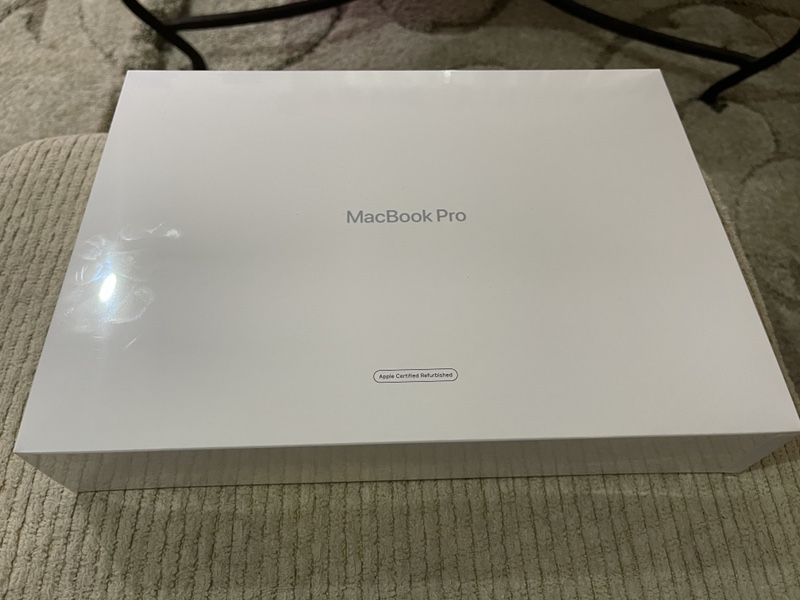
While the MacBook Pro box is labeled as a refurbished device, everything else about the unboxing experience is pure Apple.
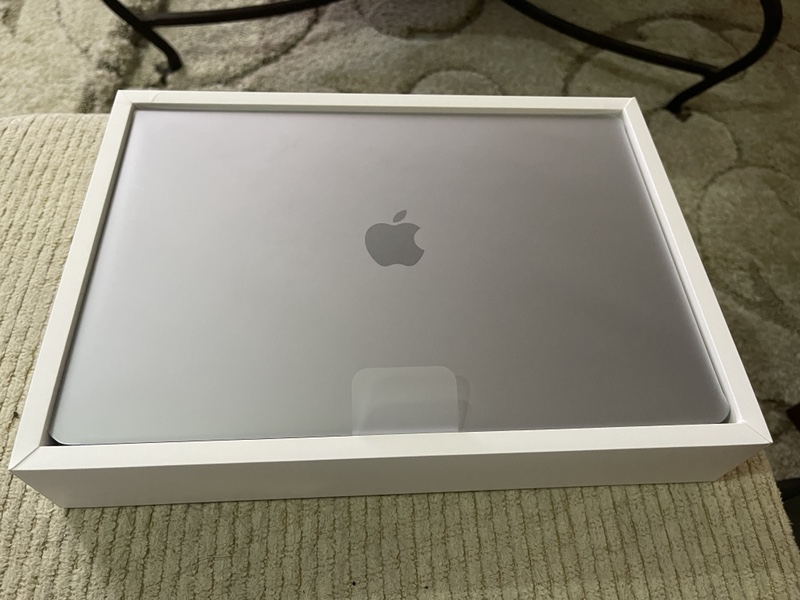
Once I took off the box top, I was greeted immediately with the site of my new MacBook Pro, which looked glorious.
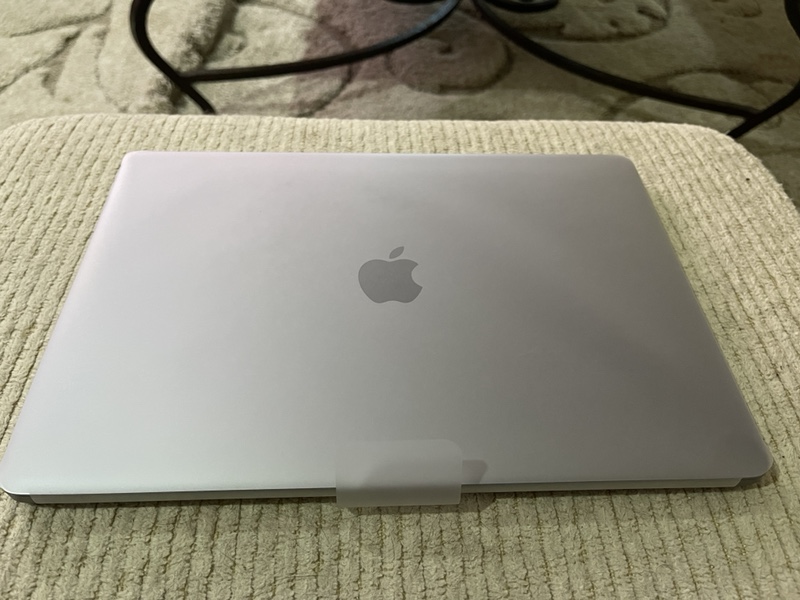
The next part was the real fun – Peeling off the protective plastic covering.
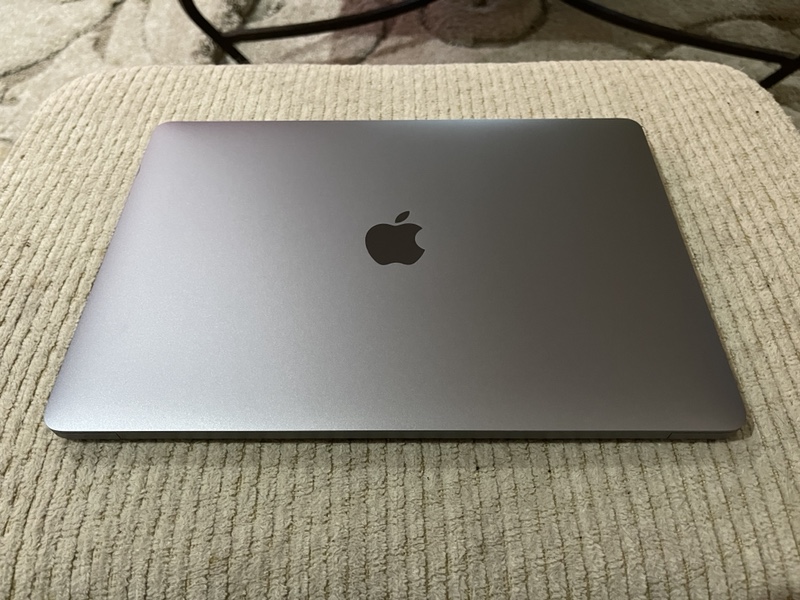
I do love the Space Gray look of a MacBook Pro.
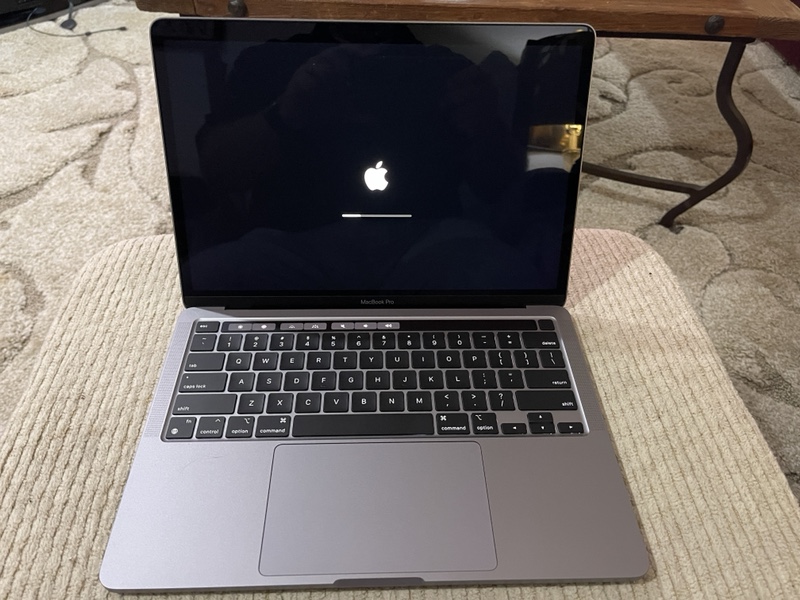
The MacBook Pro had some charge in the battery already, and, unlike previous models, the M1 powers up as soon as I lift the laptop lid. I could see how quickly the MacBook responds using the new Apple Silicon as soon as the Apple logo came up.
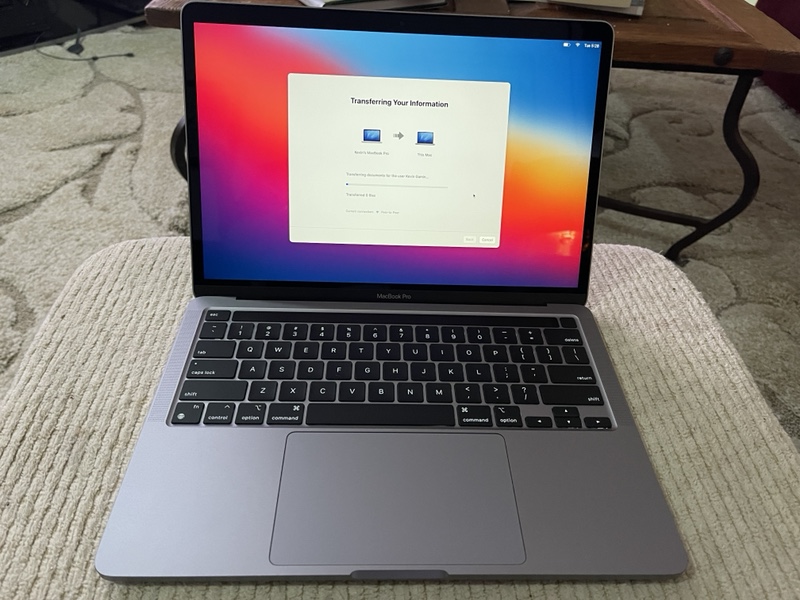
Within seconds, the MacBook was ready for me to transfer my old MacBook’s data and applications over. Since that was going to take some time, I moved to looking at what else came with the laptop.
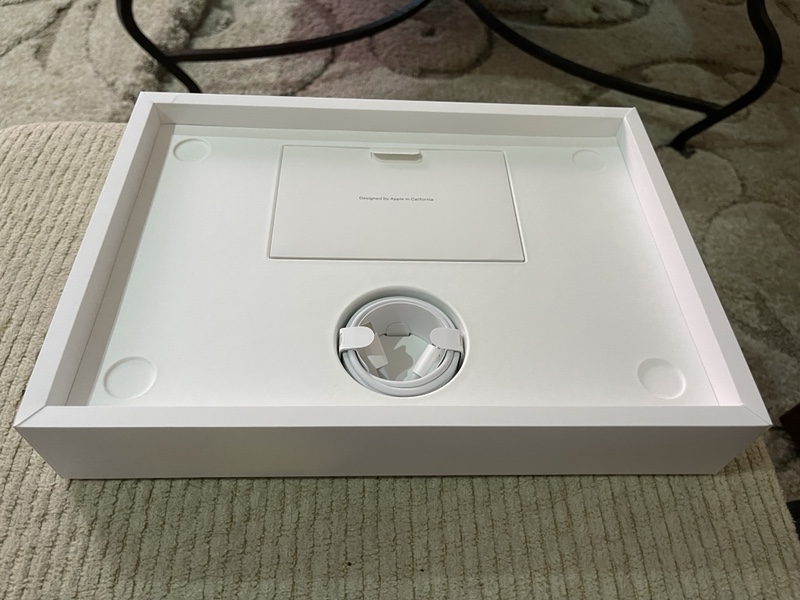
Back in the box, we can immediately see the USB-C charging cable and documentation packet.
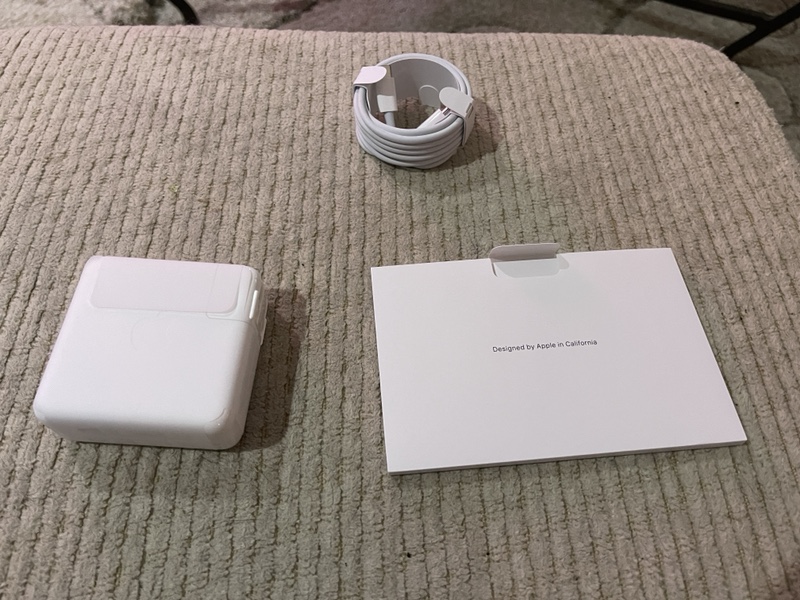
Pulling out the document packet also revealed the classic white Apple charging brick.
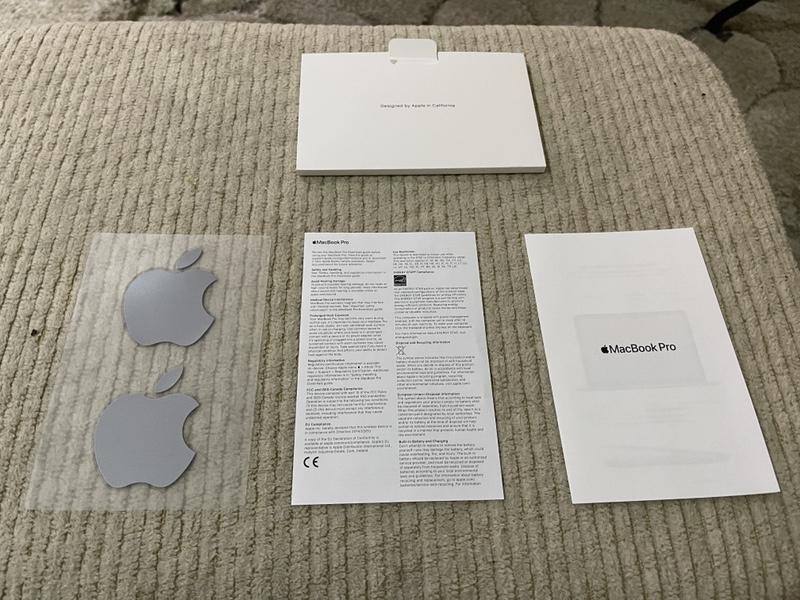
Let’s be honest: This will most likely be the only time I look at any of this documentation, including the Apple logo decals.
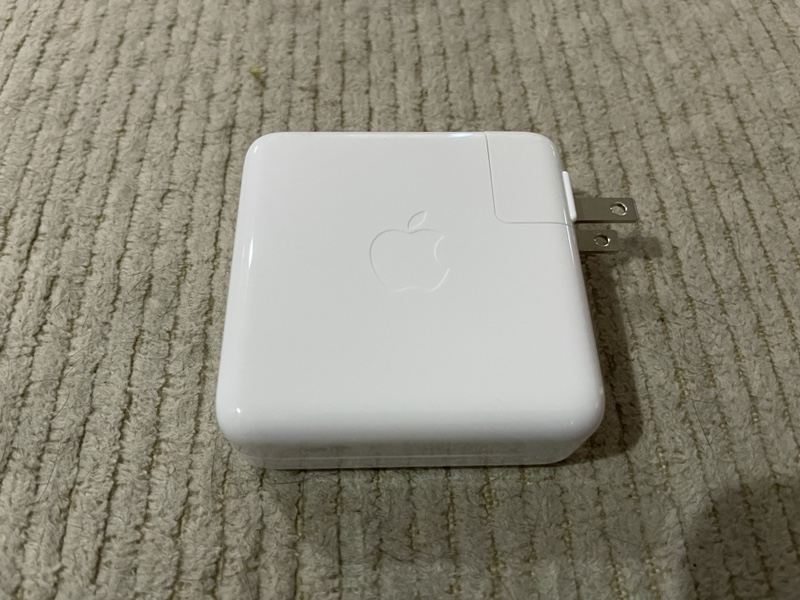
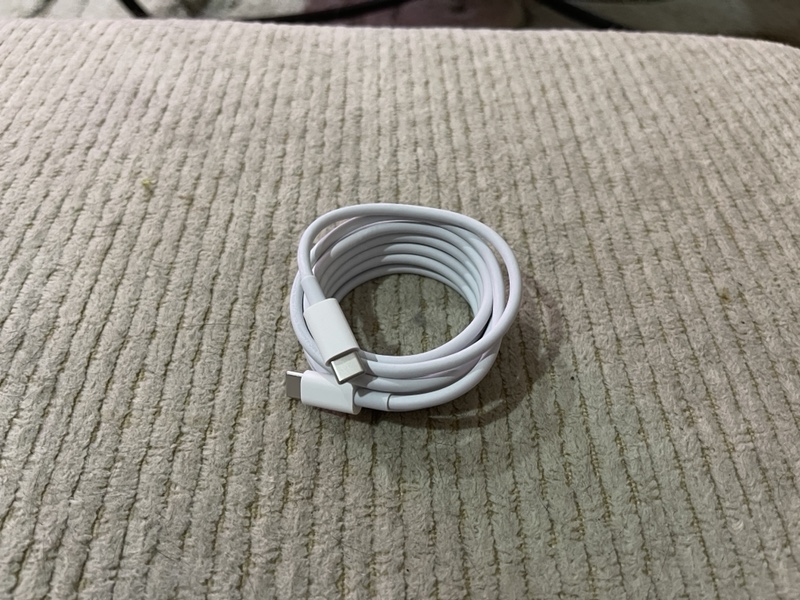
The charging brick and USB-C cable will come in very handy, and not just for the MacBook. My work cell phone and my iPad Pro are also USB-C, so I can use these to charge those devices as well. Much as I miss the old school MagSafe charger my previous MacBooks had, I’m glad Apple is now using a standard charging method with USB-C.
And, just as with any Apple product, that is literally all that came in the box. the MacBook Pro and it’s charging components now reside in my backpack, and I use the MacBook whenever I am onsite at a client or away from home as my daily driver. This is now the most powerful computer I own, at least until this time next year when it’s time for my next device upgrade.
Have you used any of the new M1 devices, including the recently announced iPad Pro? What are your thoughts? Drop them in the comments or hit me up on Twitter, username @kevingamin.